
Lifetime licence · runs on your PC · set up with you
Turn your PC into an unlimited content factory.
Scaldeo writes the script, clones your voice, draws every scene with the same characters, edits the video and makes the thumbnail, on your own computer. No credits, no per-minute fees, no cap on how many you make. Up to four videos at once.
From $600, paid once · Windows PC · invite-only
A replay of a real render, phase by phase. Click any phase to see that part of the work.
Narration · 462 words · How It Actually Makes Money
A vending machine sells a candy bar for two dollars.
A replay of a real 2-minute render: How Vending Machines Actually Make Money, made with Scaldeo’s own pipeline.
Each format, made in the style of a real top video in its niche. Click one to watch the example.
Three steps. The first one you do once.
Paste a few videos from a channel you love. Scaldeo studies its script style, story shape, pacing, art style and thumbnails, then builds you a format of your own — narrated in your voice, cloned from a minute of audio.
 Ink Explainer · What Did Ancient Humans Actually Do All Day?
Press Copy this channel. Scaldeo reads the videos, never reuses them: what you get is a format, the recipe, and everything it makes is new.
Pick your format, type a title, press Start automation. The script, your cloned voice, the timing, every scene and the edit happen on your PC. Up to four videos at once.
4 videos running on this PC
Lifetime · up to 4 at once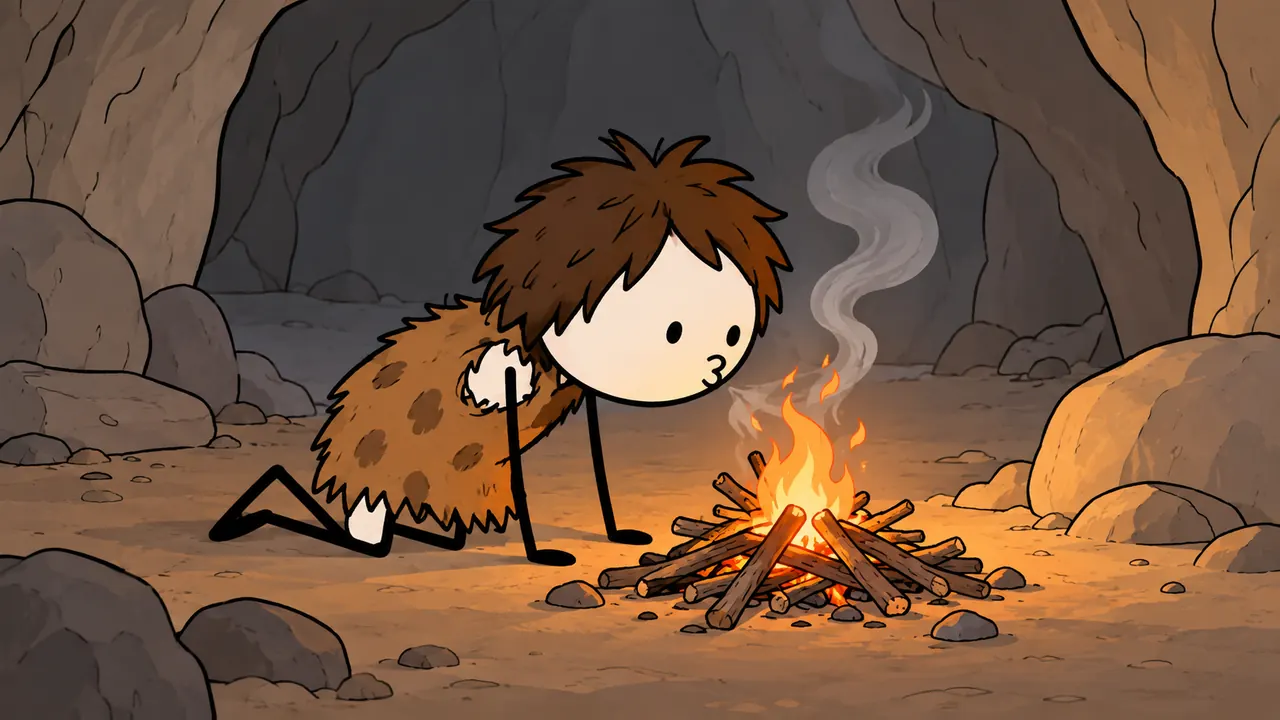
How Did Cavemen Survive Winter?
3%Prehistoric life · Script
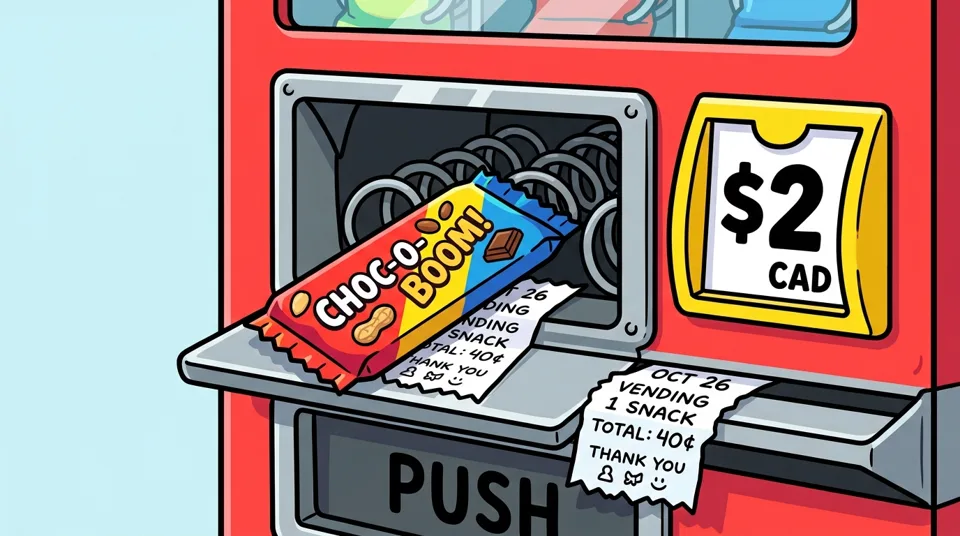
How Vending Machines Actually Make Money
2%Money explained · Script
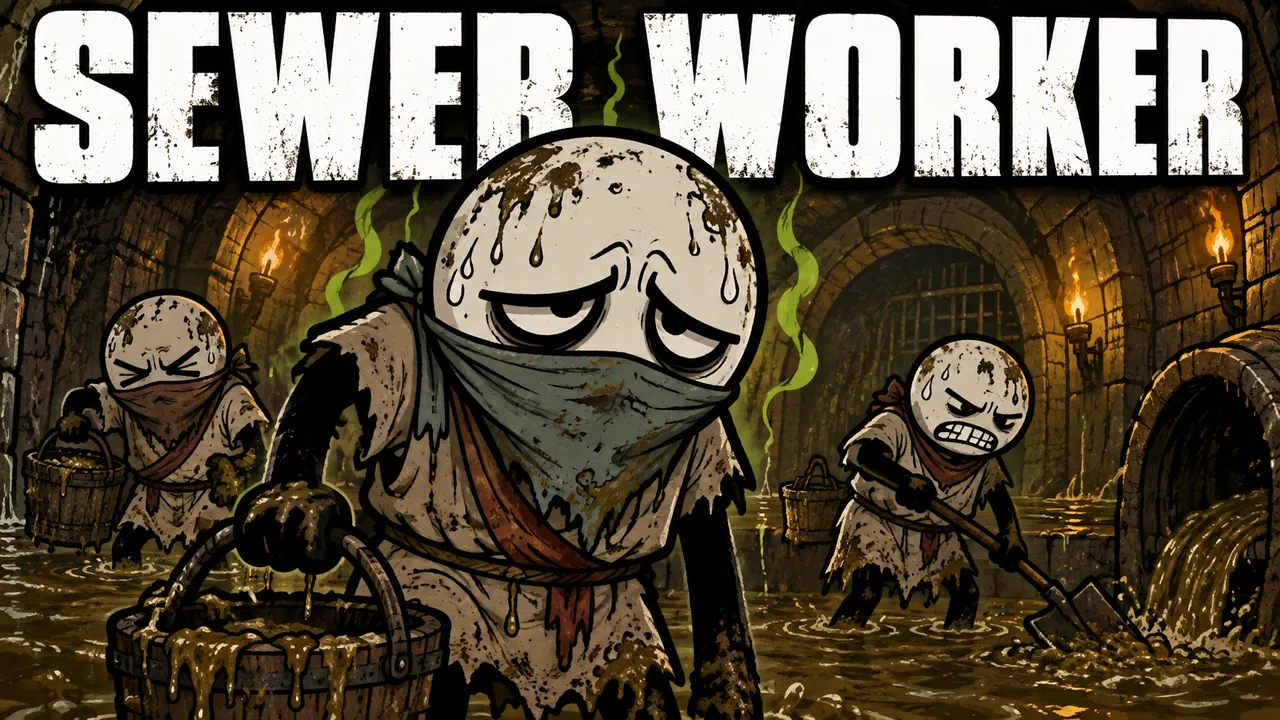
The Worst Jobs in Ancient Rome
2%Worst jobs · Script
Every Type of Knight Explained
1%Every Type of X · Script
Watch it, swap any scene you don’t like, then let Scaldeo upload it to your channel with its title, description, chapters and thumbnail, on the schedule you set.
Channels
Upload automatically
Private first, then public on schedule
Ink Explainer · What Did Ancient Humans Actually Do All Day?Press Copy this channel. Scaldeo reads the videos, never reuses them: what you get is a format, the recipe, and everything it makes is new.
Scaldeo is unlimited.
Cloud tools pay for every image, voice line and render on their servers, so they meter you. Scaldeo does that work on your own PC, so there is nothing to meter. Queue a week of titles and it works through them on its own, up to four at once. That is what YouTube automation was supposed to mean.
Per-minute rates from each tool’s public plan page, September 2026. Your own Google, voice and script accounts’ daily limits still apply to Scaldeo. Full comparisons.
A format is the whole recipe: the master script, the voice, the art style and the settings. Fourteen come with every licence. For anything else, point Format Builder at a channel you like and it drafts the recipe; you change what you want with a switch.
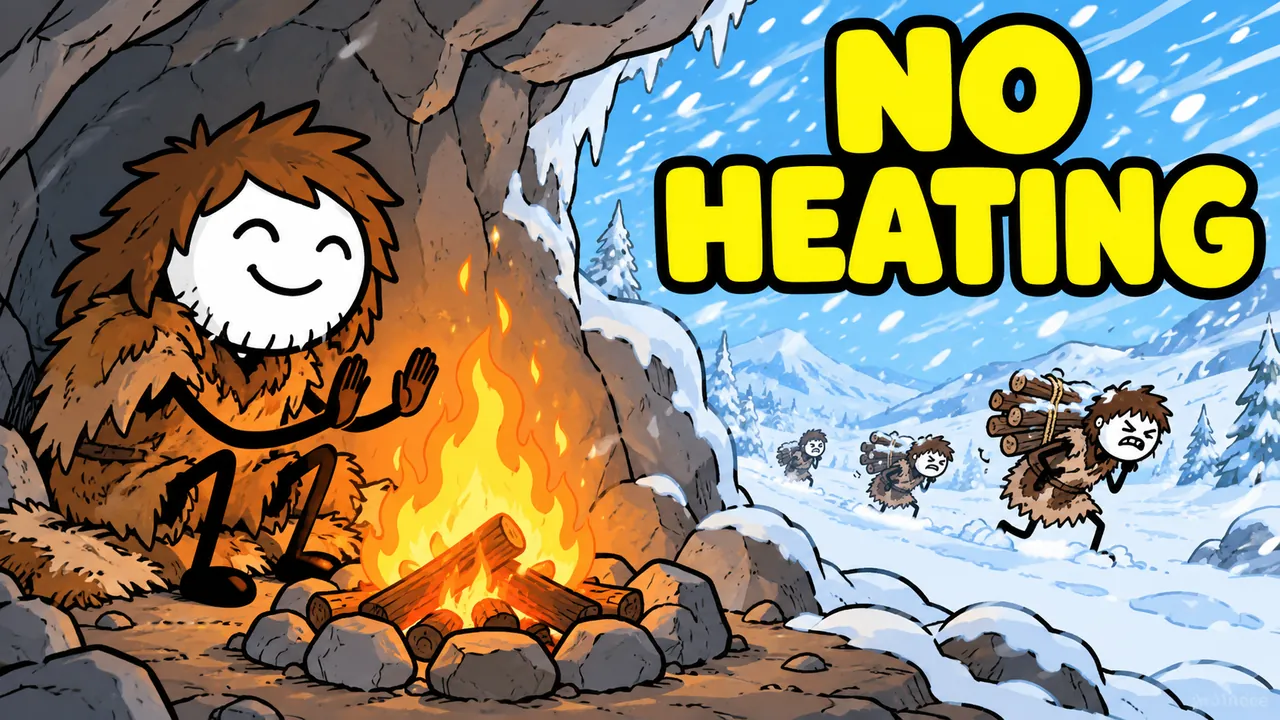
How Did Cavemen Survive Winter?
Step one: never, ever let the fire go out.
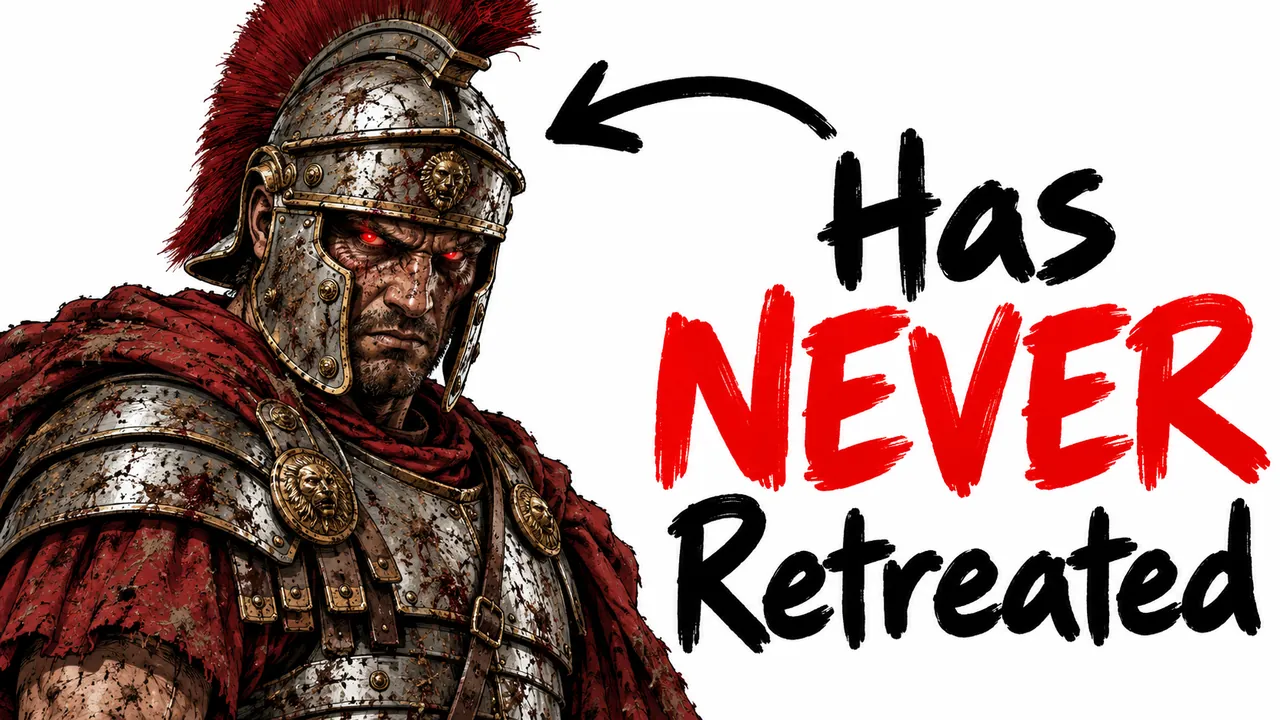
Example art made for this page, each in the style of a top video in its niche.
Four things that make the videos yours. Every one of them is open to change, and none of them needs a prompt engineer.
Copy the look of any channel.
Paste up to three videos from a channel you like. Scaldeo measures their pacing, hooks and thumbnails, and drafts a look you own. It learns the style; every video it makes is new.
- Pace162 words a minute
- Cutsa new scene every ~6 s
- Hooka question in the first line
- Thumbnailtwo words, yellow, one character
Stick figures with round white heads and dot eyes, shaggy brown hair, fur tunics, thin black outlines, soft flat colour, plain backgrounds.
Characters stay themselves.
Scaldeo keeps a guide for every recurring character and hands it to each scene that names them, so the same face comes back in scene one and scene three hundred.

The caveman
- ·Round white head, dot eyes
- ·Shaggy brown hair
- ·Brown fur tunic
- ·Thin black stick limbs
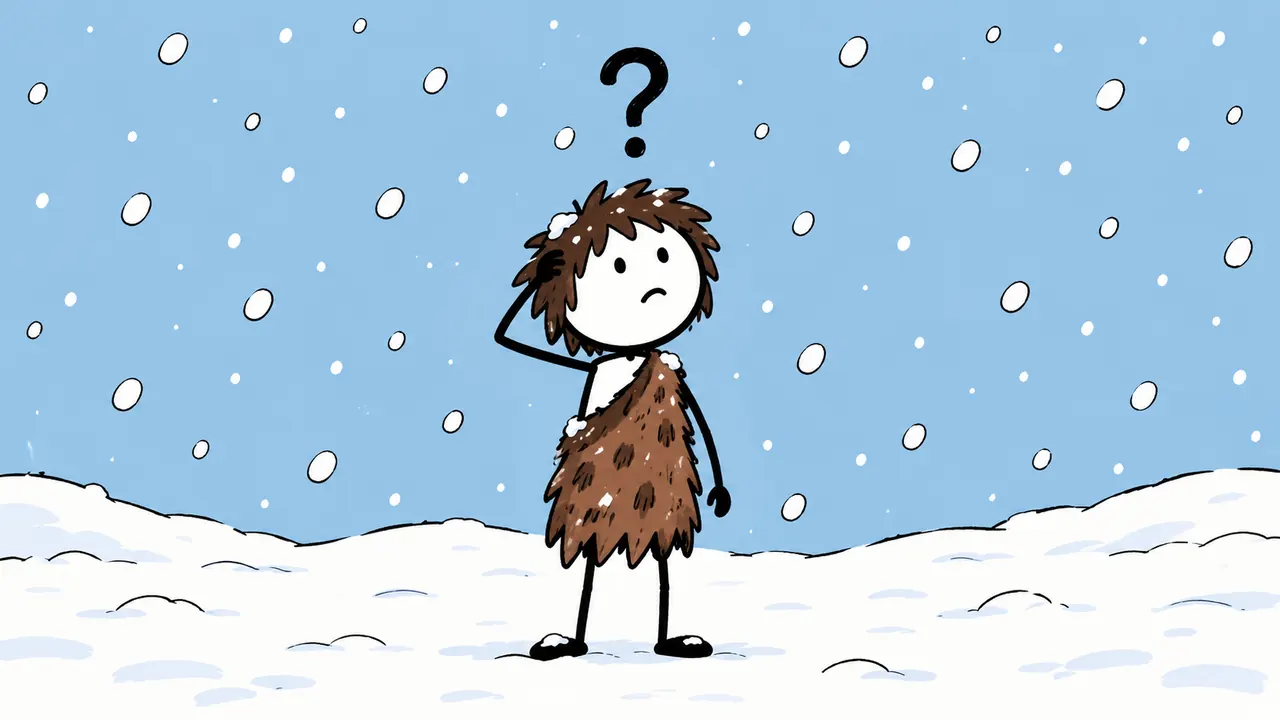 Scene 3 · guide applied
Four scenes from the example, one face.
Swap any scene you don’t like.
Every image comes from one prompt you can read and change. Rewrite it, redraw just that scene, and the edit stays in time with the voice.
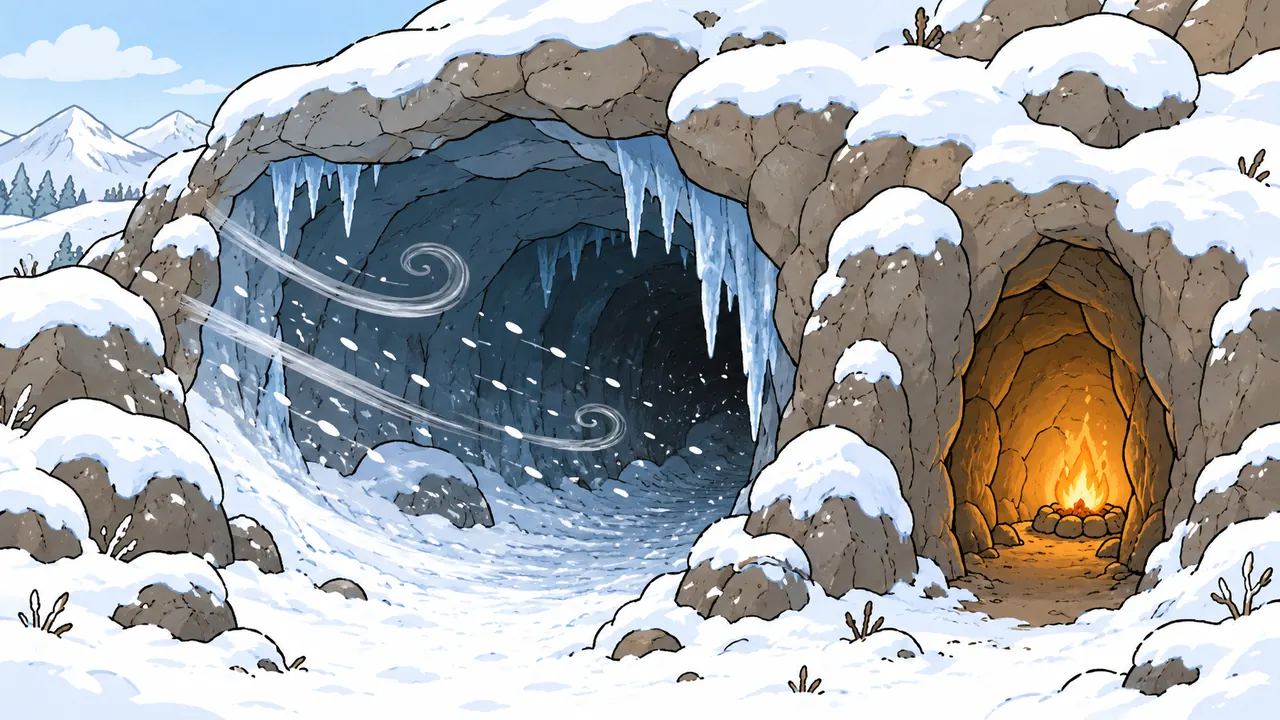 Scene 11 · original
Two cave entrances side by side: one wide and windy with snow blowing in, one narrow and cosy with a glow inside.
Only that scene is redrawn. The voice and the cut stay in sync.
See the plan before it spends anything.
A dry run writes the outline, the opening and a few sample images, so you can judge a format in a minute instead of after a full render.
- 0:00Cold open: winter as the most dangerous animal
- 0:14Step one: never let the fire go out
- 0:31Step two: wear the animals that hunted you
- 0:52Step three: eat more, and freeze the rest
- 1:16Step four: pick the right cave
- 1:38Step five: never sleep alone
- 1:55Payoff: why you are here
One button runs every check a video depends on and says in plain words what to fix. When everything is green, queue a week of titles, press Start automation and go to bed. In the morning they are rendered and waiting for your review.
Your PC stays on and awake while it works. Nothing is uploaded until you say so.
- Account and licence
- FFmpeg
- Google Chrome
- Flow extension
- Script engine
- Voice clone
- Whisper model
- Free disk
- Windows app blocking
- How Did Cavemen Survive Winter?Queued
- What Did Ancient Humans Eat?Queued
- How Did Cavemen Make Fire?Queued
- Why Did Neanderthals Disappear?Queued
Up to four at once on a lifetime licence.
Every licence comes with onboarding done with you. That is why it is invite-only: we take on up to twenty channels a month.
- Apply
- A call
- An audit
- Your format
- Your first video
- 30 days of support
Apply
A short form about your channel. We read every one ourselves.
What you need before you start
All four are free to start with. Scaldeo puts no cap on how many videos you make; your own accounts’ daily limits, mostly Google Flow’s image quota, are the real ceiling. We would rather you know now than on the call. The installer is not code-signed yet, so Windows asks you to confirm it once; we do that together.
- A Windows PC
- Windows 10 or 11. The engine, the extension and the editing run on it. macOS is next, not yet.
- A Google account
- For image generation in Google Flow, in your own Chrome. Flow’s daily limit is your account’s.
- A voice
- Give Scaldeo a minute of your own voice and it clones it, or pick a ready-made voice. Every voiceover after that is on the house, as many as you make.
- A script engine
- Claude on your own subscription, Gemini’s free API key, or any chatbot by copy and paste.
One price. Paid once.
From $600 for a lifetime licence, onboarding included, updates forever. The exact figure depends on the custom work your channel needs; you hear it on the call before you pay anything.
Apply for access- Every format, now and later
- One format built from your videos
- Your first video made together
- A channel audit
- 30 days of support
- Updates forever, no subscription
| What you get | Lifetime |
|---|---|
| Videos at once | 3 |
| Total videos | No cap from us |
| Two browser profiles | |
| Multi-channel upload | |
| Corrector Agent | |
| Priority format updates | |
| Works offline for | 168h |
Every plan needs your own Google account and your own script and voice keys. Scaldeo does not resell them, which is why there is no usage charge here.
From the people who use it every week, in their own words.
I had tried the per-minute tools and kept hitting the bill before I hit a rhythm. Now I queue a week of videos on Sunday and review them over coffee. The setup call alone did more for my channel than a month of tutorials.
The voice sold me. It sounds like me on every single video, and I stopped counting voiceovers because they don’t cost anything. The characters stay the same from scene to scene, which nothing else I tried got right.
I’m not technical at all. They installed it with me, built my format from my own best videos, and we rendered the first one together on the call. Now it runs overnight and I wake up to videos ready to check.
Questions, answered.
Anything else, ask on the call.
Yes, and channels using it are. YouTube does not ban AI tools; it demonetises mass-produced, repetitive content, the kind its policy calls inauthentic. Scaldeo is built against that: every script is written fresh for your topic, every scene is drawn new in your format’s style, and the voice is yours. You still decide what to publish, so make videos worth watching and monetisation follows YouTube’s usual rules.
Because the expensive part runs on your computer. Images come from your own Google Flow, the voice is cloned and generated on your side, and the script comes from an engine you already have. We host the dashboard and the licence check, which cost us very little, so there is nothing to meter.
Every licence includes onboarding done with you: an audit, a custom format and your first video on a call. That takes real time, so we take on up to twenty channels a month. Apply, and if it is not a fit we will say so.
AI avatars, AI animation, real archival or stock footage and multi-language narration. Scenes are illustrated stills with motion, captions and transitions. If your channel’s look depends on those, a cloud tool that does them is the better choice.
No. Every image, voiceover and render stays on your own disk. The only thing that crosses the network is your licence check.
Yes. Gemini’s free API key works, or any OpenAI-compatible key. With no key at all, Scaldeo gives you a ready-made prompt to paste into any chatbot, then reads the reply back in.
Yes. Paste up to three YouTube links into the Format Builder and it drafts a format from their transcripts, frames and pacing. Use it for the look and the shape; the words it writes are new.
Windows 10 or 11 today. macOS is the next platform we are building for. On a Mac, join the waitlist and we will tell you when it is ready.
The script takes a few minutes. Images and assembly depend on your machine and your Flow quota, not on a queue we control.
The render finishes. A licence check that cannot reach us falls back to a 72-hour grace window rather than stopping work in progress.
Everything you make. Formats, scripts, voiceovers, images and finished videos are ordinary files on your own disk, and they stay yours whatever happens to your licence.
A short application, then a call. If it is a fit, we set it up together and you leave with your first video.
Already a client? Sign in